AI Automation
Reporting & Dashboard Automation
Get daily and weekly reports compiled automatically from your sheets, CRM and ad accounts.
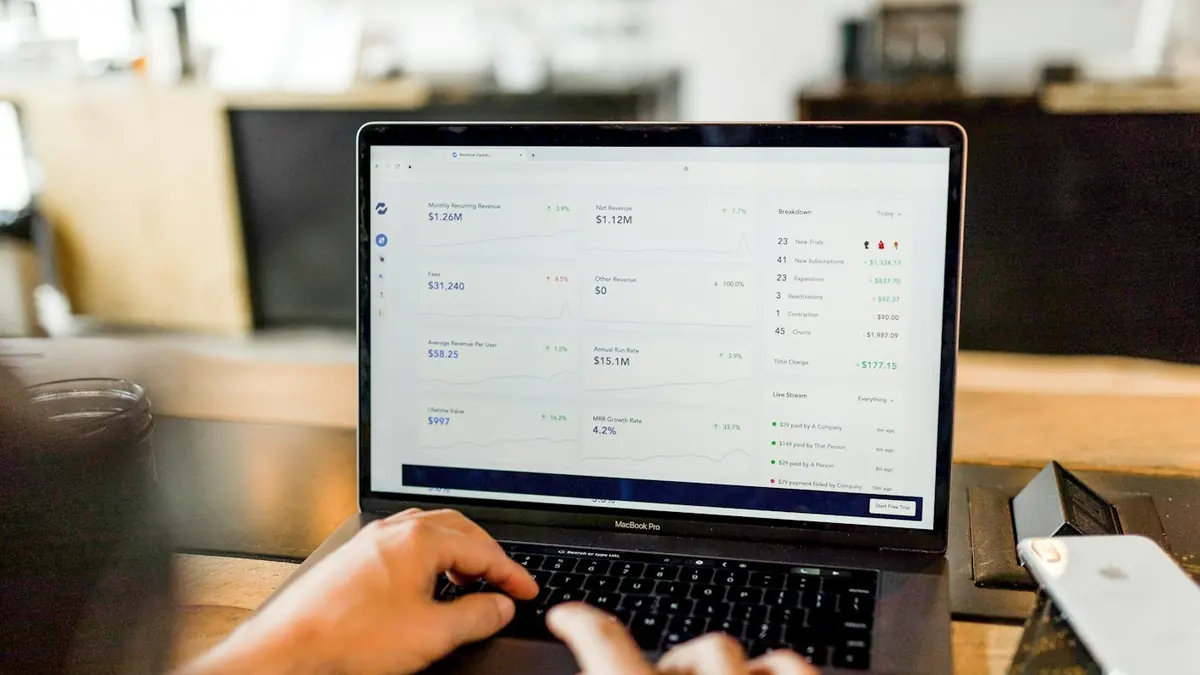
Overview
Good decisions need timely numbers. Manual reporting is slow, repetitive and prone to copy-paste errors, so it often gets skipped when the team is busy.
Automated reporting turns it into a routine you can trust. The same numbers arrive in the same format every time, and unusual changes are flagged rather than discovered late.
Today
The problem
Every week someone copies numbers from several places into a spreadsheet or slide, and by the time the report is ready the numbers are already old.
With RK
How we solve it
We connect your data sources and build automatic reports and dashboards, delivered to your inbox or WhatsApp on a schedule, with simple alerts when something moves outside normal limits.
Where Reporting & Dashboard Automation helps
The situations we are asked to help with most often.
- 01
Daily sales summary
A short message each morning with yesterday's orders and revenue.
- 02
Marketing performance report
Enquiries, spend and cost per enquiry from all channels in one view.
- 03
Operations dashboard
Pending orders, tickets and deliveries at a glance.
- 04
Exception alerts
An alert when a number falls outside an expected range.
Example
A weekly owner report
Every Monday at 9am, a workflow collects last week's leads from the CRM, spend from the ad account and orders from the sheet, builds one summary and sends it to the owner by email, with a link to the full dashboard.
An illustrative scenario, not a client result.
Example workflow
- Trigger
Data is pulled from sources on a schedule
- Automatic
Numbers are cleaned and combined
- Automatic
A report or dashboard is updated
- Your team
A short summary is sent to the owner or team
- Result
Alerts fire if a metric crosses a threshold
What you get
- 01Agreed list of metrics
- 02Connected data sources
- 03Automated report or dashboard
- 04Scheduled delivery
- 05Threshold alerts
Tools we use
 Google SheetsLooker Studio
 Google Analytics 4Ad platform exports and APIs
 n8n or MakeAI summaries (optional, reviewed)
Works with
Google Sheets · Looker Studio · GA4 · Meta and Google Ads · CRM
What to expect
Reports that arrive on time without anyone building them by hand.
What we measure
- Hours spent on reporting each week
- Report delivered on time
- Errors found in reports
- Decisions made from the report
Timelines and scope are confirmed after a short discovery conversation.
Honest limits
- Needs agreed definitions for each metric
- Source data must be reasonably clean
What we need from you
- A walk-through of how the process works today, including the awkward exceptions
- Access to the tools involved (WhatsApp Business, sheets, CRM, accounting), shared safely
- Examples of real messages, forms or documents the workflow will handle
- A person on your team who will review the early results
- Agreement on what should always go to a human
FAQ
Frequently asked questions
Related services
Want to discuss reporting & dashboard automation?
Tell us about your business and we will suggest a practical first step.
Contact us